Let´s assume that you are not connected online with a contact center agent for the appointment that you scheduled via email. You have a video call together with the agent and talk about your home insurance needs. As you can see in the screenshots below, the contact center agent opens the Allianz contact center software in parallel and documents the councelling interview step-by-step.
.png)
Buying a Home Insurance Product
Via a Contact Center
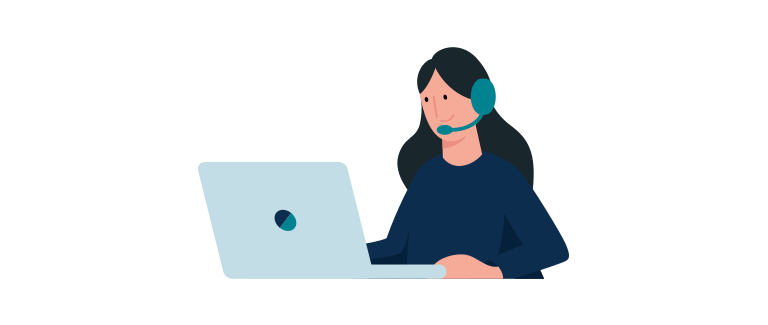
Councelling Interview with a Contact Center Agent
Please note that the process is different for each OE.
1. Scheduled Customer Call Allocation to Agent
Scheduled customer calls are loaded into the call center system from a background system. The call center system assigns the respective scheduled calls to available call center agents. The assigned call center agent calls the customer for the scheduled appointment.
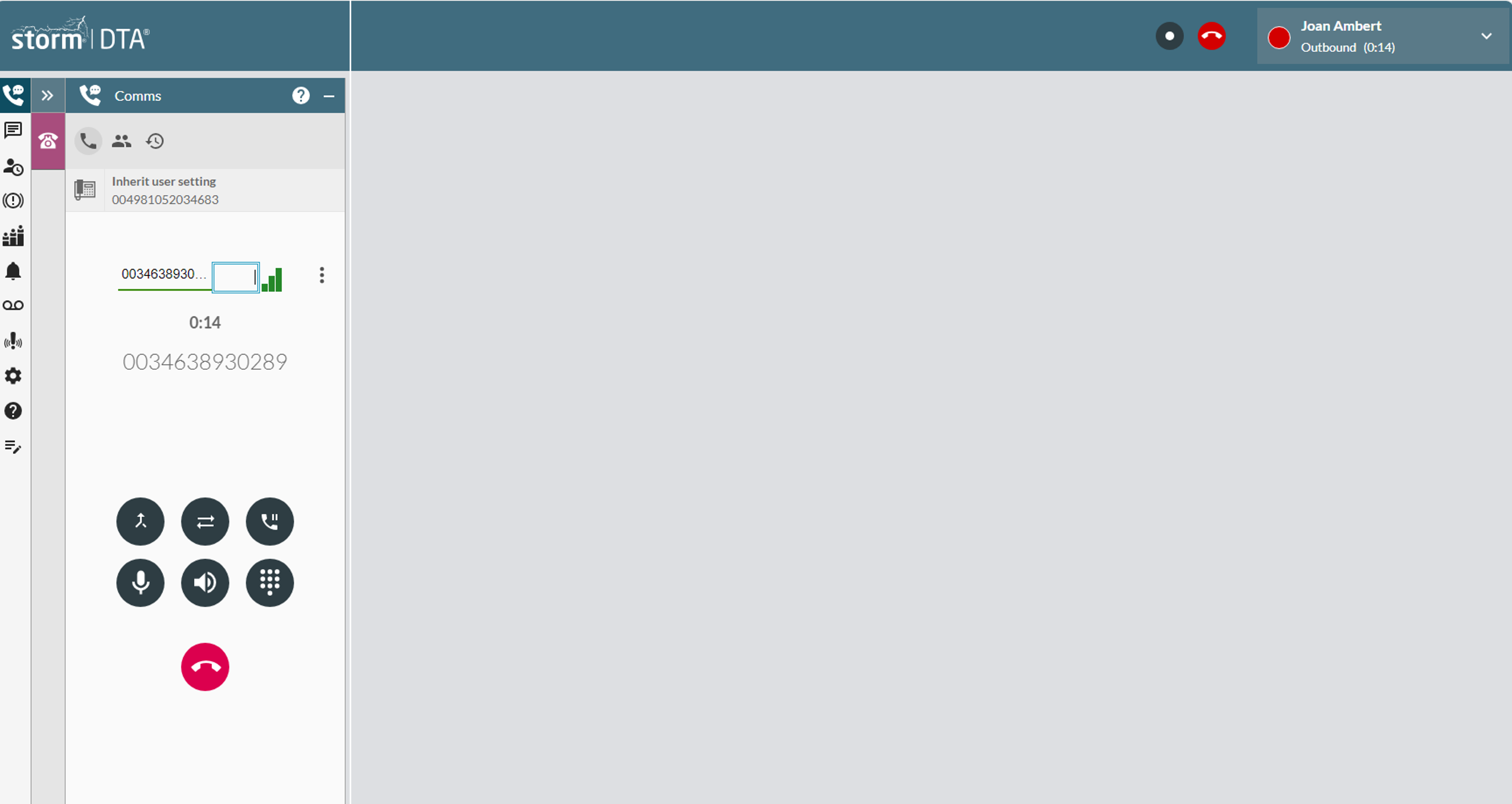
2. Counselling Interview with Customer
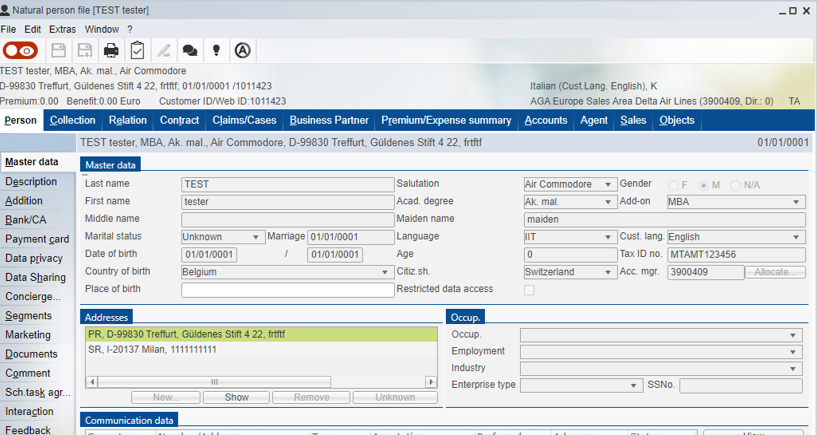
Let´s assume that the agent reaches the customer for his/her scheduled appointment. The agent consults the customer regarding tailored Allianz home insurance products. The agent can access personal data of the customer, such as name, address or birthday, as well as existing contracts or filed claims in the parallely opened CRM system.
3. Counselling Interview End & Final Contract
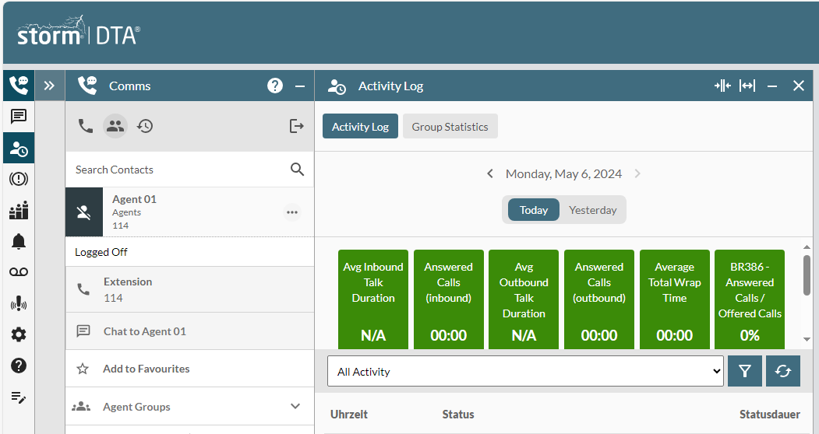
Let´s assume that the customer is happy with the outcome of the counselling interview and wants the agent to finalize his home insurance contract. So the agent ends the call, creates the contract and send it over to the customer following the call.
4. Final Contract Signing
Let´s assume the contact center appointment results in a ready to sign contract. Please fill up and submit the form below to simulate the contract signing.
It is required to enter your email again that the conversion event, i.e. signing the contract by submitting the form, can be mapped to your CDP profile.